Is It Worth Buying a 3D Printer for Miniatures?
Table of Contents
The Verdict
Investing in a 3D printer for miniatures is more than just a hobby; it can unlock a world of creativity and save you money in the long run. For enthusiasts and gamers who frequently need custom miniatures, I recommend purchasing a reliable 3D printer. After digging through community discussions on platforms like Instructables, it’s clear that being able to print your own miniatures can be a game-changer.
Bottom Line:
If you’re serious about your miniature collections or gaming, spend the money on a good 3D printer. For around $200-$500, you can get a machine that delivers quality results, significantly reducing costs compared to buying pre-made miniatures.
Why a 3D Printer?
Miniatures have become a staple in RPGs and tabletop games. They often range from $5 to $40 each when purchased, depending on size and detail. If you’re into Dungeons & Dragons or similar games, investing in a 3D printer that can produce high-quality miniatures could save you substantial amounts of money over time.
When you factor in the cost of resin or filament — usually between $20 to $50 per kilogram — your initial investment can quickly pay off. Many community members have reported being able to print dozens of miniatures for the price of a single store-bought figure.
Recommended Printers for Miniatures
1. Elegoo Mars 2 Pro
- Type: Resin Printer
- Price: Approximately $260
- Build Volume: 129 x 80 x 160 mm
- Layer Resolution: 0.01 - 0.2 mm
- Key Features: LCD screen with higher resolution, excellent for fine details.
2. Creality Ender 3 V2
- Type: FDM Printer
- Price: Approximately $200
- Build Volume: 220 x 220 x 250 mm
- Layer Resolution: 0.1 - 0.4 mm
- Key Features: Adjustable print speed, stable design, reliable print output.
3. Anycubic Photon Mono
- Type: Resin Printer
- Price: Approximately $200
- Build Volume: 130 x 80 x 165 mm
- Layer Resolution: 0.01 - 0.2 mm
- Key Features: Fast printing speed and reliable performance for intricate designs.
| Printer | Type | Price | Build Volume | Layer Resolution |
|---|---|---|---|---|
| Elegoo Mars 2 Pro | Resin | $260 | 129 x 80 x 160 mm | 0.01 - 0.2 mm |
| Creality Ender 3 V2 | FDM | $200 | 220 x 220 x 250 mm | 0.1 - 0.4 mm |
| Anycubic Photon Mono | Resin | $200 | 130 x 80 x 165 mm | 0.01 - 0.2 mm |
With these options, the Elegoo Mars 2 Pro is probably the best choice if you prioritize detail in your miniatures. However, if you’re looking for versatility and plan to print a variety of objects (not just miniatures), the Creality Ender 3 V2 is worthwhile despite slightly lower detail—it’s easier to operate and cheaper.
Who This Is For
If you’re a dedicated tabletop gamer, a miniature painter, or someone who enjoys crafting unique pieces for display, investing in a 3D printer is an excellent option. Additionally, if you are part of a local gaming community, you will find immense value in producing custom miniatures tailored to your campaigns.
Who Should Skip This
Conversely, if you’re solely a casual gamer who plays occasionally or don’t have a passion for painting and showcasing miniatures, the initial costs and maintenance of a 3D printer might not be justifiable. Plus, if you’re short on space or time, you should reconsider before investing.
Real-World Considerations
Many community discussions emphasize the learning curve associated with 3D printing. You’ll need to familiarize yourself with CAD software for designing miniatures and mastering the printer’s settings to avoid common issues like warping or misprinting.
Working with resin printers poses additional challenges — like handling chemicals safely and ensuring ventilation during printing. Thus, if you’re squeamish about pouring resin or constant cleanup, perhaps a simpler FDM printer would be more convenient.
Additional Costs to Consider
-
Supplies: Don’t forget about the materials—resin or filament costs can add up quickly. Resin bottles can run around $30 each, while filament rolls are generally cheaper but might not yield the same precision.
-
Software: Some design software is free (like Tinkercad), but advanced programs often require subscription costs. Knowing how to mesh different CAD files or edit designs can also be essential.
-
Post-Processing: Painting miniatures after printing can be time-consuming. Make sure you’re prepared for the extra effort if you aim to have professionally-looking models after printing.
Final Recommendation
If you truly enjoy working with miniatures, you will likely find that a 3D printer pays for itself over time. Out of all the choices, I strongly recommend the Elegoo Mars 2 Pro for its fine detail production — the results can genuinely elevate your gaming experience. It strikes an excellent balance between price and performance, allowing you to unleash your creativity without breaking the bank.
Take the plunge if you’re ready to roll up your sleeves and dive into the fascinating world of 3D miniatures.
Recommended Tools & Products
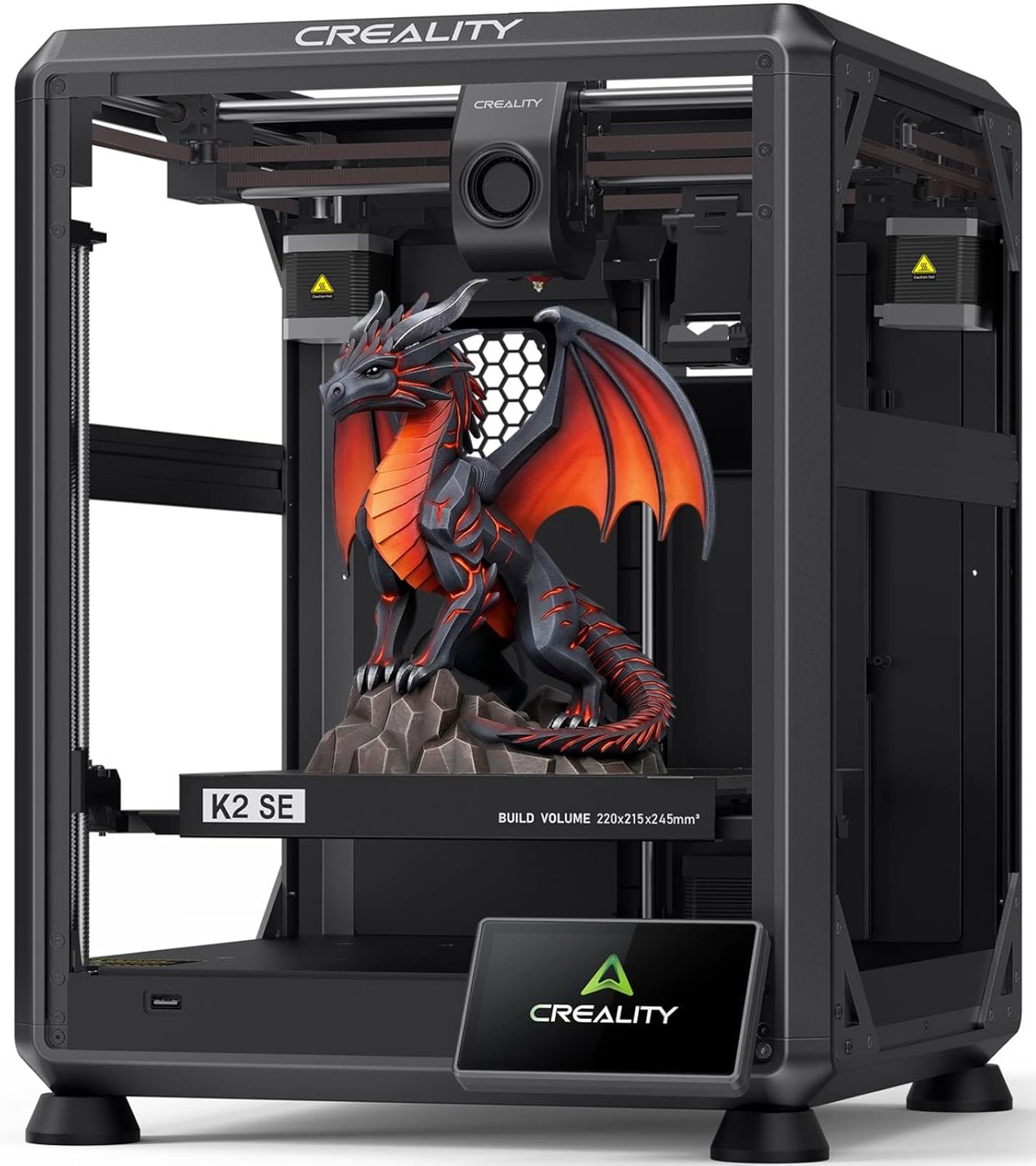
Creality K2 SE 3D Printer, 500mm/s High-Speed Printing, Support Multi Color 3D Printing Needs CFS, Solid Metal Build, Auto Leveling, Direct Drive Extruder, Quick-Swap Nozzle, 220×215×245mm Print Size
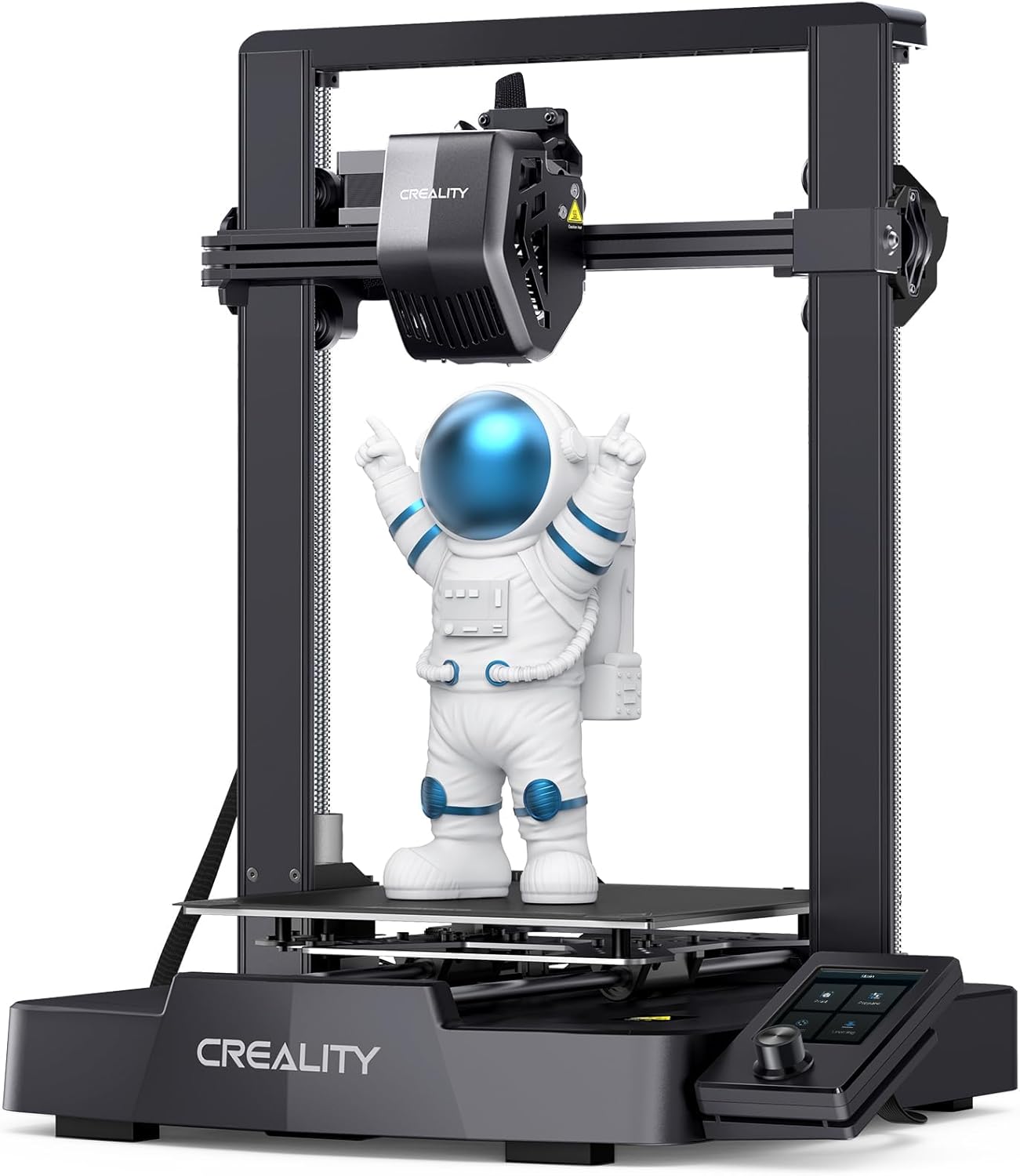
Creality Ender 3 V3 SE 3D Printer, 250mm/s Faster Print Speed CR Touch Auto Leveling Sprite Direct Extruder Dual Z-Axis Auto Filament Loading Ender 3 Upgrade 3D Printer Print Size 8.66x8.66x9.84 inch