Best Light Color Temperature for Home Office Productivity
Table of Contents
Most remote workers agonize over chair ergonomics and keyboard switches but leave a single overhead bulb to handle everything. That’s a mistake — and the problem isn’t brightness. It’s color temperature. Get this wrong and you’ll fight eye strain, afternoon slumps, and washed-out video calls no matter how expensive your other gear is.
Here’s what the numbers actually mean, how different Kelvin ranges perform in practice, and how to layer them for a setup that works all day.
What Is Color Temperature (Kelvin)?
Color temperature (measured in Kelvin) describes the hue of a light source — warm amber at the low end, cool blue-white at the high end. Counterintuitively, “warmer” light has a lower Kelvin number.
| Kelvin Range | Color Appearance | Common Use Cases |
|---|---|---|
| 2700K – 3000K | Warm white / soft yellow | Living rooms, bedrooms, relaxation spaces |
| 3500K – 4000K | Neutral white | Kitchens, bathrooms, general office areas |
| 4500K – 5000K | Cool white / bright neutral | Task lighting, reading, detailed work |
| 5500K – 6500K | Daylight / cool blue-white | Studios, garages, high-focus environments |
Hardware stores stock mostly 2700K–3000K bulbs because warm light feels cozy at home. Cozy and productive are different things.
Best Color Temperature for Focus Work
For deep work — writing, coding, analysis — cooler light wins. Research published in Physiology & Behavior and findings from the Lighting Research Center show that blue-enriched white light in the 5000K–6500K range boosts alertness, cuts sleepiness, and improves reaction time.
That said, 6500K all day is rough. Extended exposure can cause visual fatigue, especially in the afternoon when your body is already winding down. The practical sweet spot for sustained focus is 4000K to 5000K.
Why that range works:
- Less melatonin suppression than 6500K, so it’s sustainable for long sessions
- Good color accuracy — important if you’re doing design work or reviewing documents
- Roughly mimics mid-morning natural light, when most people hit peak performance
If your day starts early or runs past 6 PM, a tunable fixture that drifts from 5000K in the morning to 3500K–4000K by late afternoon is worth the extra cost.
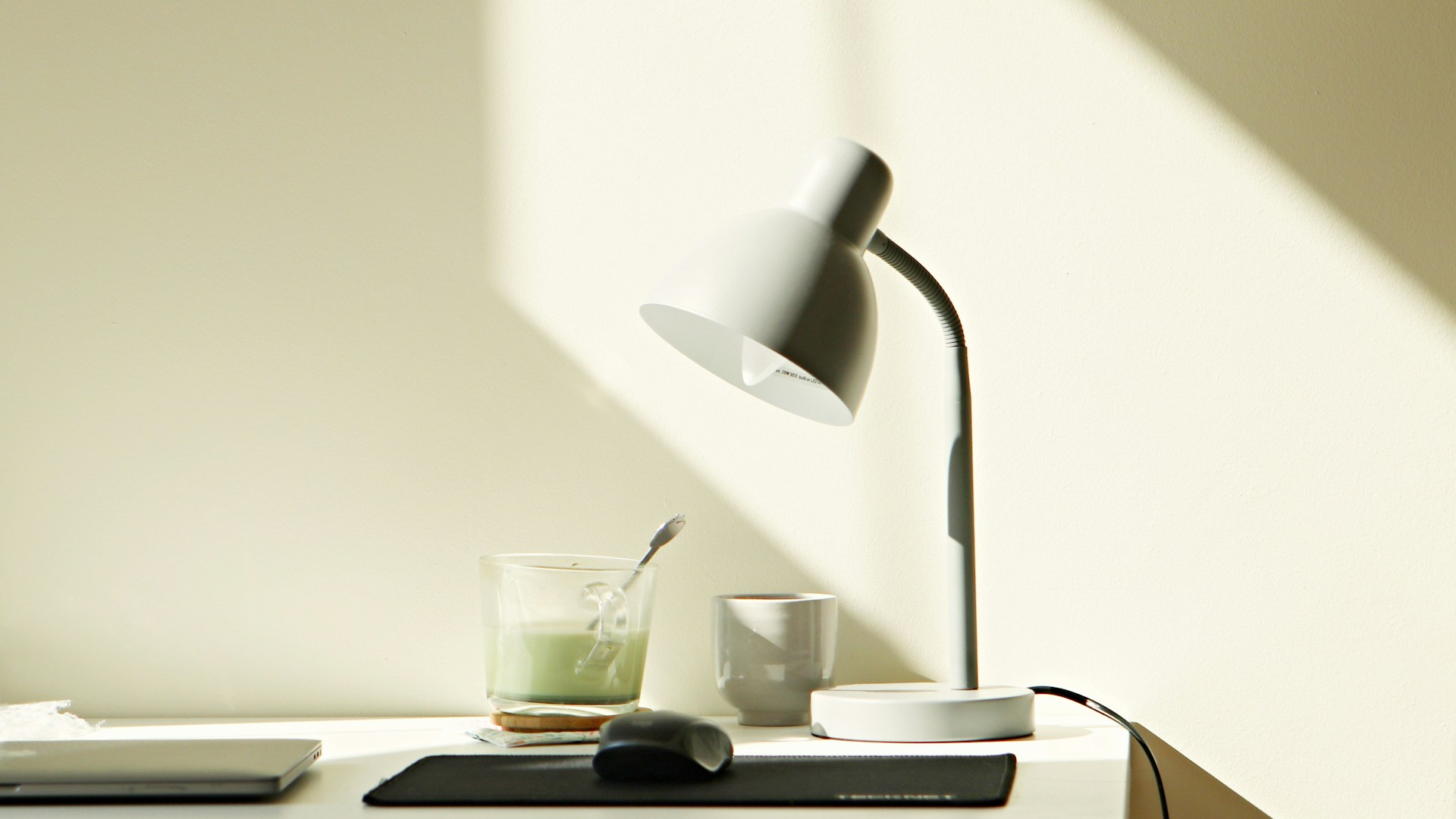 Photo by Dagny Reese on Unsplash
Best Color Temperature for Video Calls
Video calls are a different problem. It’s not about how you feel — it’s about how you look on camera. Camera sensors don’t see light the way your eyes do, and something that looks fine in person can render terribly on video.
For calls, 4000K to 4500K is the target. A few reasons:
- Cameras auto-balance around daylight (roughly 5500K–6500K), so warmer sources push your skin orange or yellow
- Light above 5500K goes clinical and harsh — unflattering on most skin tones
- Neutral white in the 4000K–4500K range gives the camera a predictable white point, which means natural-looking skin tones
Placement matters just as much as Kelvin. A key light at eye level, slightly off to one side, eliminates the shadows under your eyes and chin that overhead lighting creates. Sitting with a bright window behind you is the single most common video call mistake — the camera exposes for the background and your face goes dark.
Layered Lighting Strategy
One overhead fixture cannot do everything. Professional lighting designers layer three sources, and the same approach works in a home office.
Ambient (General) Lighting
This is your room’s base layer — recessed ceiling lights, a ceiling fan with an integrated LED, or a large flush-mount. Target 4000K here. It’s versatile enough for most tasks without being harsh.
Task Lighting
A desk lamp aimed at your work surface handles the heavy lifting for reading, writing, or dealing with physical documents. A tunable model (often labeled “tunable white”) lets you push to 5000K–6500K when you need sharp focus and pull back to 4000K for general work. Look for CRI 90 or above — anything lower makes colors look off.
Accent / Background Lighting
LED strip lights behind your monitor or along a bookshelf do more than look cool. They reduce the contrast between a bright screen and a dark background, which is one of the main drivers of eye strain. Set these to 2700K–3000K at low brightness — just enough to soften the edges without competing with your task light.
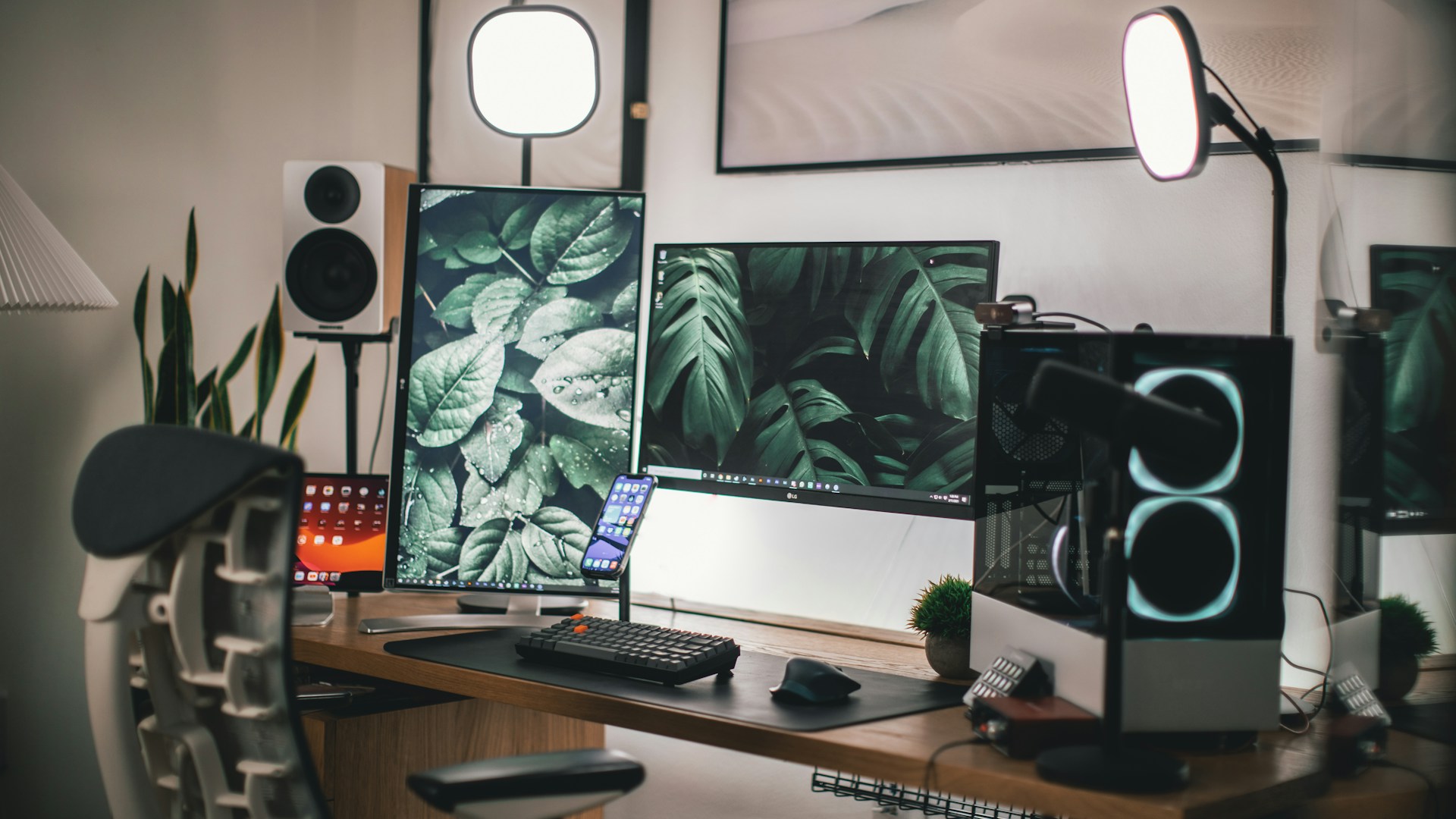 Photo by Roberto Nickson on Unsplash
Smart Bulbs vs Fixed Color Temperature
Tunable smart bulbs are appealing — one fixture, the full 2700K–6500K range. But there are real trade-offs before you commit.
Advantages of Smart Tunable Bulbs
- Full spectrum from a single fixture, no swapping bulbs
- Scheduling lets you automatically shift warmer in the evening, which is genuinely useful for sleep
- Compatible with circadian rhythm protocols (“human-centric lighting” in marketing speak)
Disadvantages of Smart Tunable Bulbs
- Same wattage = less output than single-temperature LEDs, especially at the extremes
- CRI often varies across the tuning range — budget models that are acceptable at 4000K can drop noticeably at 2700K or 6500K
- App dependency, hub compatibility, and Wi-Fi reliability are real failure points
- Some models default to a fixed setting when the app or hub goes offline
The practical move for most offices: fixed 4000K–5000K LED for the primary ambient fixture, quality tunable lamp for the desk. You get most of the benefit without the complexity.
Common Lighting Mistakes in Home Offices
Getting the Kelvin numbers right doesn’t matter if the setup is wrong. These are the problems that come up most often:
Backlighting from windows. A window behind your workstation is a problem for both cameras and your own eyes. Either reposition the desk to face the window or use blackout blinds during calls.
Relying on a single overhead fixture. One ceiling light creates harsh downward shadows and leaves the vertical plane — walls, monitor background, your face on camera — underlit. Layered lighting fixes this.
Mismatched color temperatures. A 2700K overhead and a 6500K desk lamp in the same room creates visual chaos where neither source renders color correctly. Keep everything in a zone within 500K of each other.
Ignoring flicker. Cheap LED bulbs and dimmers that aren’t LED-rated can produce high-frequency flicker — invisible to the eye, but detectable by the brain. It contributes to headaches and fatigue. Check that bulbs and dimmers are rated as compatible, or use fixtures that don’t need dimming.
High Kelvin light in the evening. Working under 5000K+ light at 9 PM actively suppresses melatonin and makes sleep harder. Shift to 3000K or lower after sunset, or use the blue-light filter mode on tunable fixtures.
Product Recommendations by Category
Specific brands change faster than article update cycles, so here are the specs to look for instead:
- Panel LED fixtures (ceiling mount): 40W equivalent output, 4000K, CRI 90+, dimmable. Slim profile panels distribute light evenly with minimal glare.
- LED desk lamps with tunable color temperature: 2700K–6500K range, physical dimmer wheel, USB charging port. The dial beats app-only control for day-to-day use.
- LED light bars for monitor bias lighting: USB-powered bars that mount on the back of the monitor. Warm white (2700K–3000K) is the right call here.
- Ring lights for video calls: Look for a color temperature dial, not just app control. Minimum 10-inch diameter for adequate coverage at desk distance.
- Smart bulbs for circadian scheduling: Prioritize local processing (no cloud dependency), published CRI data across the tuning range, and compatibility with your existing smart home setup.
Wrapping Up
The short version: 4000K–5000K for focused work, 4000K–4500K for video calls, 2700K–3000K for evening wind-down. Layer ambient, task, and accent sources so you can shift between modes without replacing anything.
Start with the desk lamp. Get a tunable model with CRI 90 or above, set it to 4500K during working hours, and check in after a week. Then expand to the ambient and accent layers when it makes sense.
Lighting isn’t a luxury upgrade. It’s the one variable that affects how you feel, how you perform, and how you look on calls — and it’s cheaper than a mechanical keyboard.